
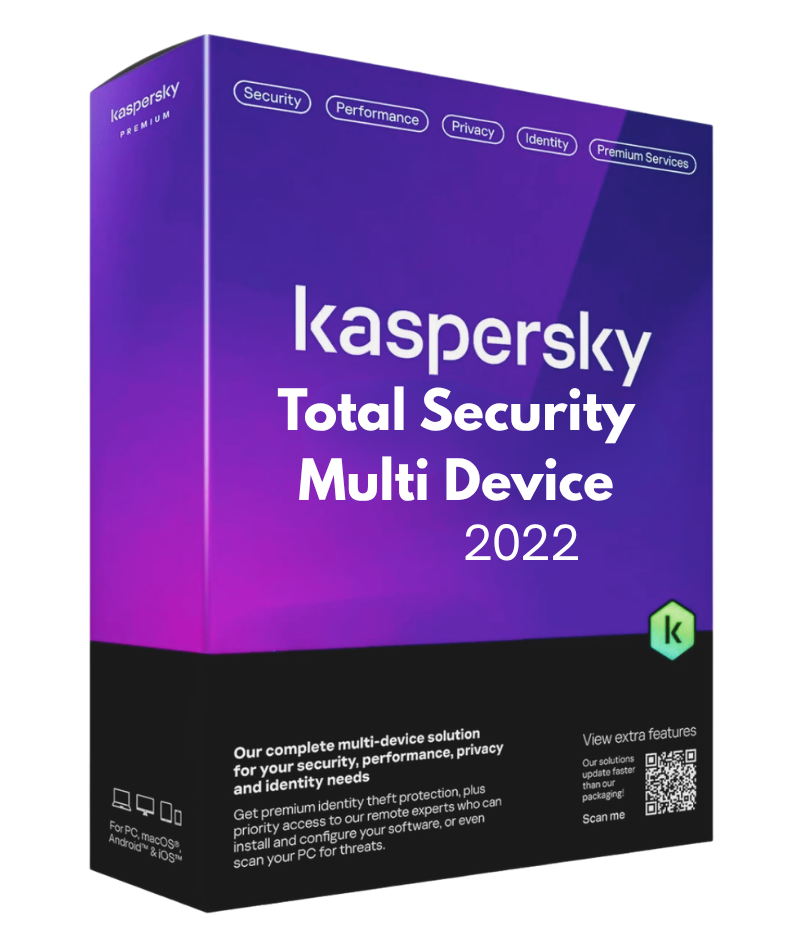
Kaspersky Total Security Multi Device 2022 is a comprehensive internet security suite that protects an entire household's devices under one licence, spanning Windows, macOS, Android, and iOS. The 2022 edition builds on Kaspersky's core antivirus and anti-phishing engine with a fuller set of privacy and family-safety tools, including real-time protection against viruses, malware, spyware, and complex fileless attacks, plus a firewall, anti-spam, and parental controls with a child locator and screen time management .
Beyond malware defence, the suite adds Safe Money for securing online banking and card details with bank-grade encryption on PC and Mac, a bandwidth-limited VPN (around 300 MB per day) to unlock global content and hide online actions, and Webcam and Microphone Protection to block unauthorised spying. It also includes a password manager for storing credentials and confidential documents in an encrypted vault, and a backup and restore tool that saves photos, music, and files to an encrypted storage space on the PC. Buyers comparing a Kaspersky Total Security Multi Device 2022 CD key should note that the VPN component is data-limited rather than unlimited, and full functionality across all four supported platforms requires an active internet connection for activation and updates.
Cross-platform protection for Windows, macOS, Android, and iOS under one licence.
Real-time antivirus, anti-phishing, and anti-ransomware protection against malware and fileless attacks.
Bandwidth-limited VPN (around 300 MB per day) that unlocks global content and hides online actions .
Safe Money for encrypted, bank-grade protection of online transactions and card details on PC and Mac.
Webcam and Microphone Protection to block unauthorised spying on PC and Mac .
Parental controls with child locator, screen time management, and harmful content blocking .
Password manager storing credentials and confidential documents in an encrypted vault.
Encrypted backup storage for photos, music, and files on PC.
5 questions
Still have a question?
Browse all FAQs