
We compare prices from leading online shops to help you buy the best games at a low price.
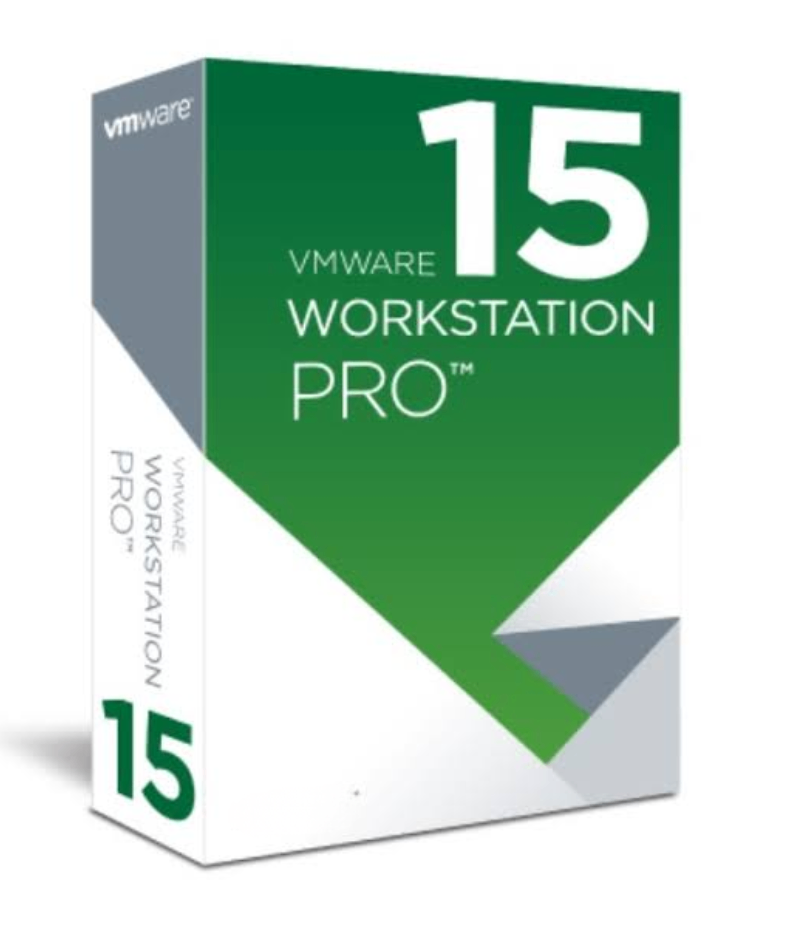
VMware Workstation Pro 15 is a professional virtualization platform targeted at developers, IT professionals, and power users who need to create, test, and demonstrate software across multiple operating systems without additional physical hardware. It supports a broad range of guest OSes, including Windows 10, Windows Server 2016/2012, modern Linux distributions (Ubuntu, RHEL, CentOS, openSUSE, Debian, SUSE Linux Enterprise Server), and FreeBSD, with later 15.5.x updates adding support for Windows 10 20H1, Ubuntu 20.04, and Fedora 32. Each virtual machine can be configured with significant resources, including up to 16 vCPUs, 64 GB RAM, 8 TB virtual disks, and up to 3 GB of graphics memory for 3D workloads in the initial 15.0 release. Key features include DirectX 10.1 and OpenGL 3.3 3D acceleration, support for high‑resolution displays (4K on desktops, QHD+ on laptops), and a new RESTful API for automating common VM tasks via JSON over HTTP/HTTPS. Workstation Pro 15 also introduces seamless vSphere 6.7 support, allowing remote connection to ESXi/vCenter hosts to manage VMs, plus features like One‑Click SSH to Linux VMs on Windows 10 1803+, automatic USB device connection, and enhanced inventory views for vSphere environments. From a licensing perspective, version 15 is sold as a traditional paid product (with a 30‑day trial), in contrast to version 17, which became free for personal use in late 2024.
Run multiple x86-based Windows, Linux, and other OSes simultaneously on one PC, with support for hundreds of guest operating systems.
Support for “monster” VMs: up to 16 vCPUs, 64 GB RAM, 8 TB virtual disks, and up to 3 GB graphics memory (initial 15.0 release).docs.
DirectX 10.1 and OpenGL 3.3 3D acceleration, enabling smoother 3D apps and development workloads inside VMs.
High‑resolution display support: 4K (3840×2160) on desktops and QHD+ (3280×1800) on laptops and x86 tablets.
RESTful API for VM automation using standard JSON over HTTP/HTTPS, with controls for inventory management and common VM operations.
Seamless vSphere 6.7 support, including remote connection to ESXi 6.7 and vCenter Server 6.7 to manage production VMs.
One‑Click SSH to Linux VMs on Windows 10 1803+ for quick, secure shell access.
Automatic USB device connection to powered‑on VMs when connection rules are configured.
Enhanced vSphere inventory views (Hosts and Clusters, VMs) with easy toggle between views on Windows hosts.
5 questions
Still have a question?
Browse all FAQs